Access Hosting
Accessing Your Control Panel
Stack Control Panel Login
Your hosting account includes Stack Control Panel, a powerful web-based control panel:
- Login to Lvato Dashboard Visit
https://my.lvato.com - From the nav menu Select Services -> Manage Hosting -> Manage
- Now click the cPanel Button to login to the Control Panel.
- Now you use the Control Panel to Setup your website.
If you login first time it may require to setup the recovery details.
Stack Control Panel Dashboard Overview
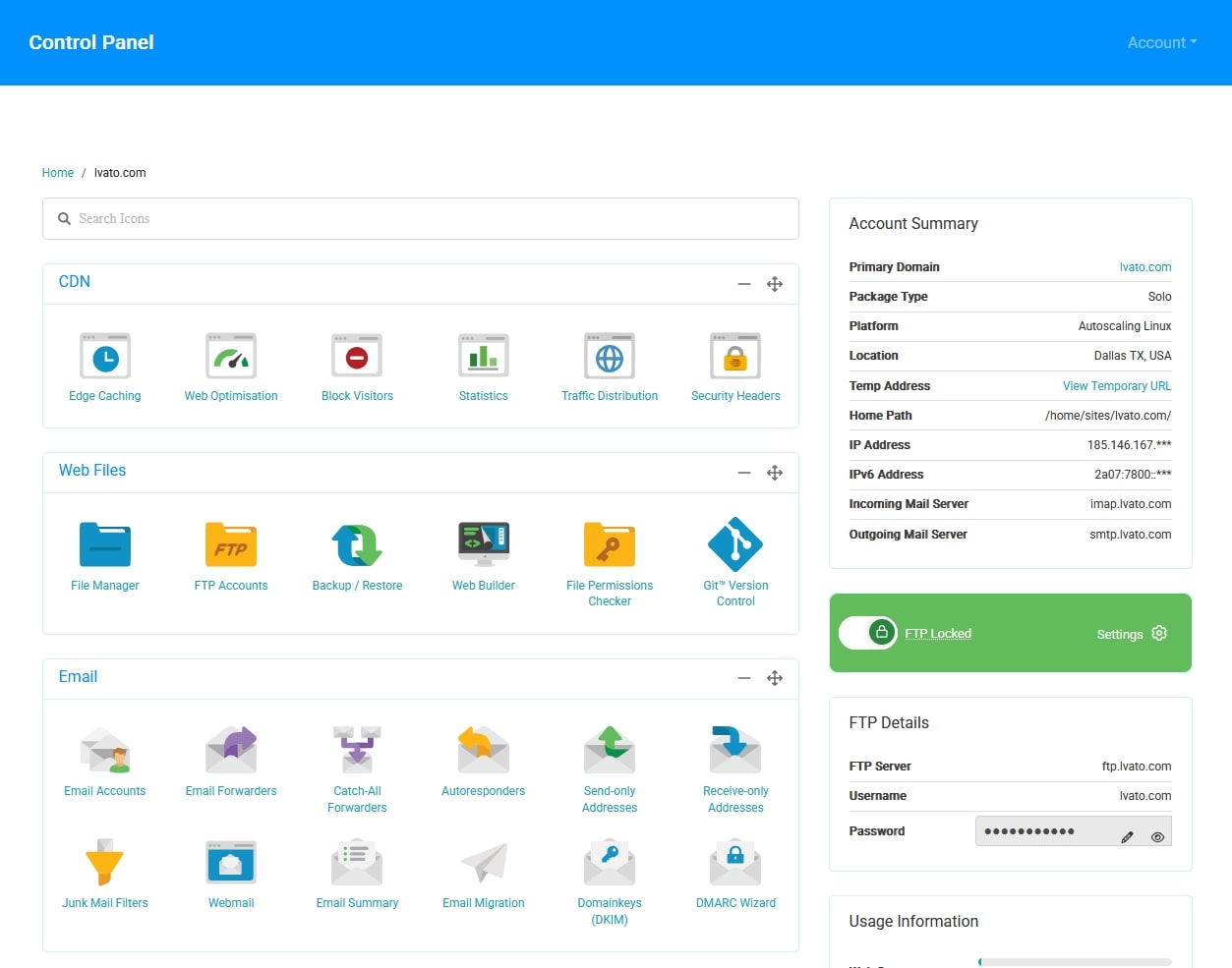
Key sections you'll use:
- Files - File Manager, backups, disk usage
- Databases - MySQL databases and phpMyAdmin
- Domains - Subdomains, redirects, Manage DNS
- Email - Email accounts, forwarding, autoresponders
- Software - One-click app installer
- Security - SSL certificates, IP blocking