Cancel Hosting Plan
Service Cancellation Process – Lvato.com
To formally request the cancellation of a service on Lvato.com, please follow the steps below:
- Log in to your Lvato Dashboard.
- Navigate to the Dashboard where all your active services are listed.
- Locate the service you wish to cancel and click the "Manage" button next to it.
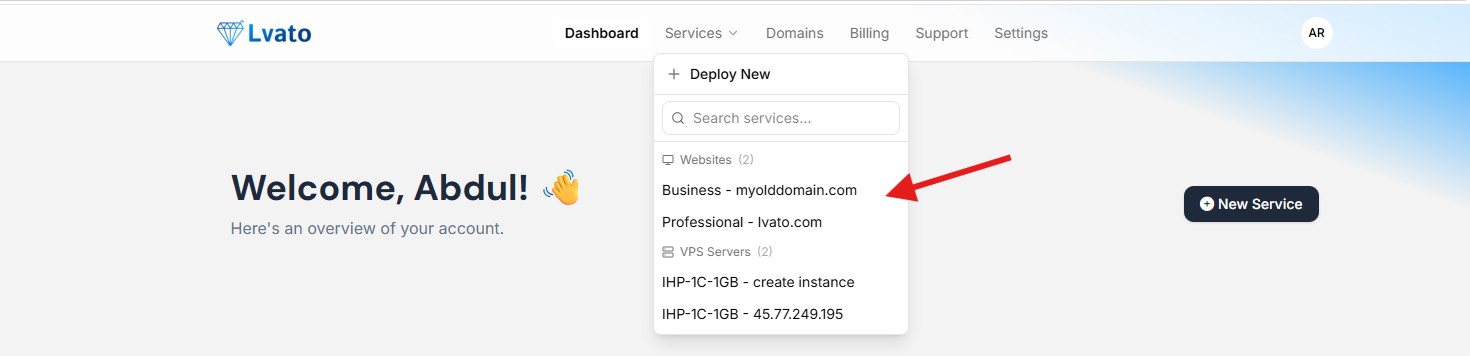
- On the service management page, you will see the following options:
- Upgrade
- Renew
- Cancel
- Click the "Cancel" button.
- Follow the on-screen instructions to complete the cancellation process.
- After submitting, your cancellation request will be sent for processing.
⚠️ Important: This is the only formal method to request a cancellation.
Requests made via email or chat will not be considered valid unless this process is completed.