
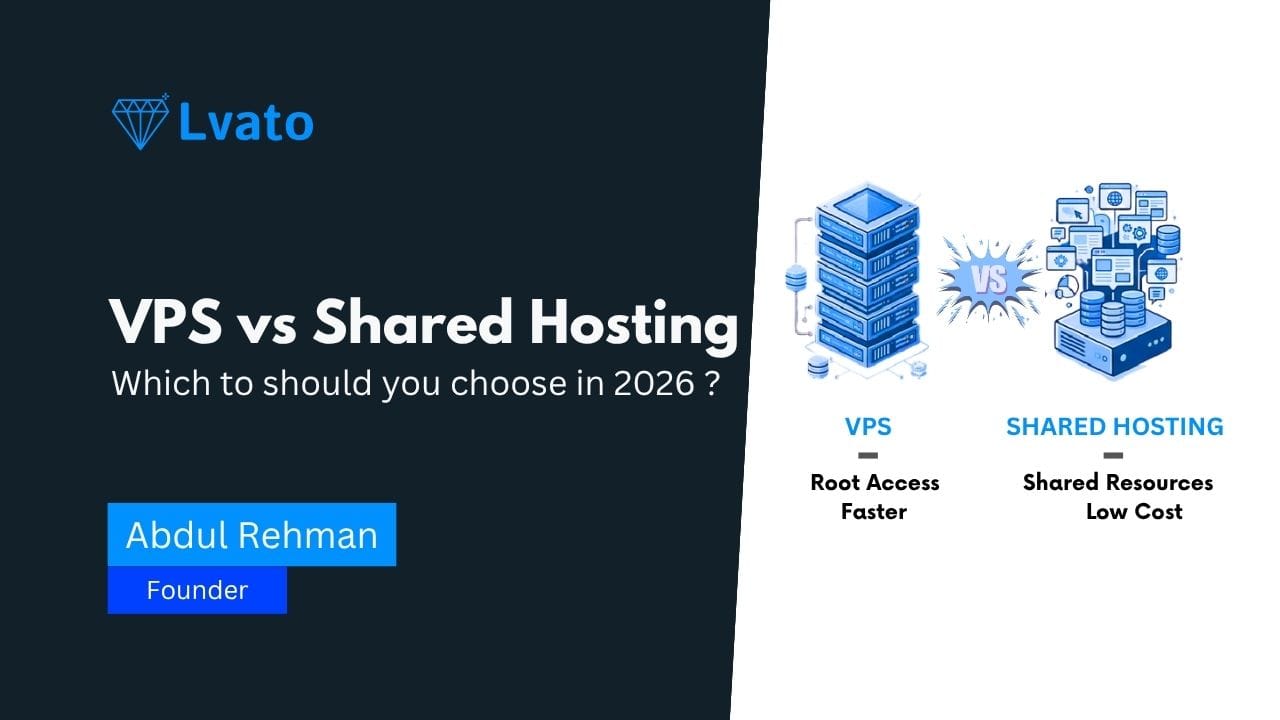
When you are running a website, you have a lot of different choices you need to make, and one of the most important ones is the hosting service you choose for your website.
In this article, we are going to discuss the difference between VPS hosting and shared hosting so you can make a well-informed decision about which service you should use for your website.
What Is Shared Hosting?
When you choose a shared hosting service, you are essentially hosting your website on a hosting server with a lot of other websites, and you are sharing the hosting resources with other websites on the hosting server.
Pros:
- It is cost-effective, which makes it a great option for beginners.
- It is easy to use, as you don't have to set anything up.
- It is managed, which makes it easy for you.
Cons:
- It can be slow, especially if you are receiving a lot of traffic on your website.
- You can't control the configuration of the hosting server.
- Other websites on the hosting server can also be a threat to your website.
What Is VPS Hosting?
A VPS, or Virtual Private Server, hosting service still uses a physical hosting server, but you are given a separate environment on the hosting server, which means you are not sharing the hosting environment with other websites on the hosting server, even though you are still using a physical hosting server.
Pros:
- With a VPS hosting service, you get a separate portion of the hosting server's CPU, RAM, and storage.
- It offers a lot of performance and stability benefits for your website.
- Full Root Access (Install Anything You Want)
- Scalable with Your Growing Traffic
Cons:
- A bit pricey compared to Shared Hosting
- Requires Basic Technical Knowledge (or Managed Plan)
VPS vs Shared Hosting (Key Differences)
| Feature | Shared Hosting | VPS Hosting |
|---|---|---|
| Performance | Limited | High & stable |
| Resources | Shared | Isolated |
| Control | Very limited | Full root access |
| Scalability | Poor | Easy to scale |
| Security | Lower | Better isolation |
| Cost | Cheap | Moderate |
When Should You Upgrade to VPS?
Here are some signs that indicate when you should upgrade to VPS:
- Your website is becoming slow
- Your website is receiving more visitors
- You frequently reach hosting limits
- You need custom configurations
Your website is frequently down If your website is part of your business, then speed is not an option.
Real Use Cases
- VPS hosting is great for:
- Business Websites with Growing Traffic
- Laravel and Node.js Applications
- API and Backend Services
- SaaS Applications
- Hosting Multiple Projects for Clients
VPS hosting is great for anything important. It is the standard for anything serious.
Final Verdict
Use Shared Hosting if: You are new to hosting Your website receives very little traffic
Use VPS Hosting if: You want speed You want control You want scalability Most websites will need to upgrade to VPS hosting. The sooner you do, the better for your visitors.
Ready to Upgrade?
Your website is growing. It needs speed and control. It needs VPS hosting.
👉 Upgrade your infrastructure today: https://lvato.com/vps-hosting