
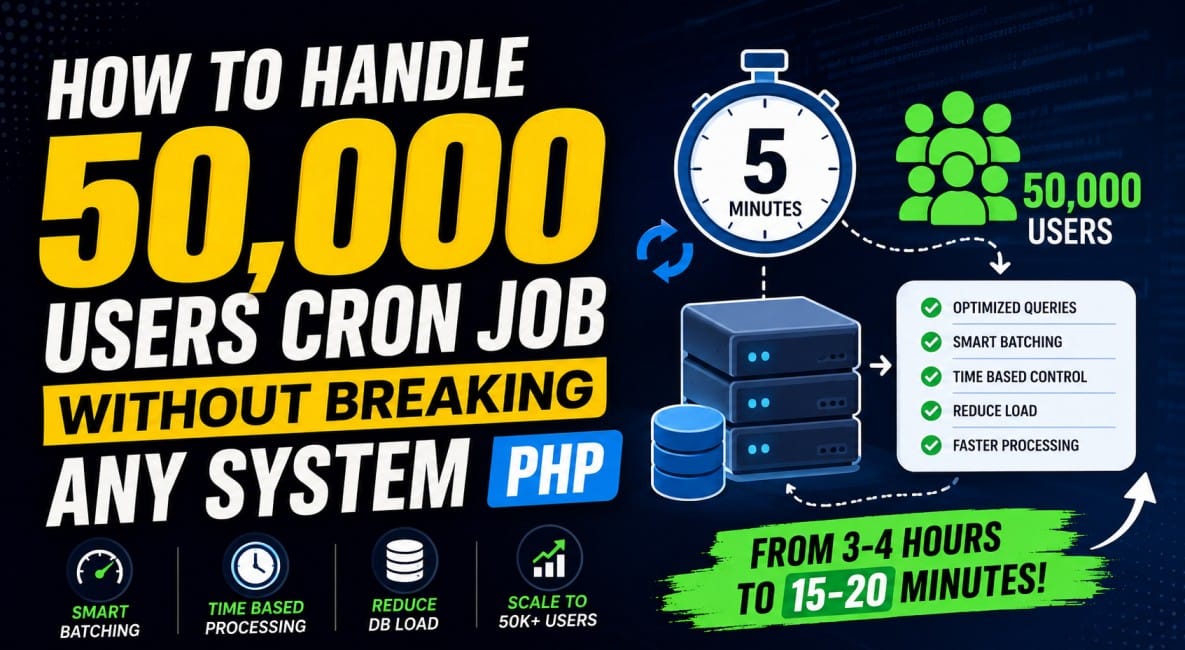
When a system grows to tens of thousands of users, the real challenge is no longer features—it’s how efficiently you process data repeatedly without collapsing your database or server. A common mistake in PHP applications is treating cron jobs as “run everything every few minutes” scripts.
That approach works for small systems. It fails fast at scale.
Below is a practical breakdown of how to handle a 50,000-user periodic update system (every 5 minutes) without overloading your PHP backend or database.
1. The Real Problem (What Usually Breaks First)
In systems like yours, the cron job typically does something like:
- Fetch all users
- For each user:
- Check profile status
- Check subscription
- Calculate income
- Update multiple tables
- Repeat every 5 minutes
At 50,000 users, this causes:
- N+1 query explosion
- Long-running PHP processes
- DB lock contention
- Memory spikes
- Cron overlap (multiple instances running)
- Server throttling or timeouts
The biggest issue is not the cron itself—it’s repeated unnecessary work on unchanged data.
2. Core Principle: “Don’t Process Everything, Process What Changed”
Instead of:
Process all 50,000 users every 5 minutes
You should move to:
Process only users who need updating
This single shift reduces load by 80–95% in real systems.
3. Fix the Database Design First (Critical Step)
Add control columns to your users table:
last_processed_at DATETIME NULL,
processing_flag TINYINT(1) DEFAULT 0
Optional but powerful:
status_updated_at
subscription_updated_at
This allows incremental processing instead of full scans.
4. Eliminate Nested Function SQL Calls
One major hidden killer is this pattern:
- function A → calls function B → calls function C → each runs SQL
This creates:
- duplicate queries
- repeated joins
- unnecessary round trips
Fix:
Refactor into single aggregated queries.
Instead of multiple calls:
getUserProfile();
getUserSubscription();
getUserIncome();
Use:
SELECT u.id, p.*, s.*, i.*
FROM users u
LEFT JOIN profiles p ON p.user_id = u.id
LEFT JOIN subscriptions s ON s.user_id = u.id
LEFT JOIN income i ON i.user_id = u.id
WHERE ...
Then pass the result into PHP once.
5. Batch Processing Instead of Full Runs
Never process all users in one cron execution.
Instead:
Process in chunks
- 100 users
- 200 users
- 500 users (depending on load)
Example logic:
$users = DB::table('users')
    ->where('processing_flag', 0)
    ->orWhere('last_processed_at', '<', now()->subMinutes(5))
    ->limit(200)
    ->get();
Then mark them:
update users set processing_flag = 16. Time-Sliced Cron Strategy (Game Changer)
Instead of one cron doing everything:
Run multiple mini-batches within 5 minutes window
Example:
- Cron runs every minute
- Each run processes only 100–300 users max
- Stops after time limit (e.g. 50–60 seconds max execution)
$start = microtime(true);

foreach ($users as $user) {

    if ((microtime(true) - $start) > 50) {
        break; // stop before overload
    }

    processUser($user);
}
This prevents server saturation.
7. Smart Adaptive Batch Control (What You Built Right)
You discovered something very important:
dynamically adjusting batch size based on execution time
This is a production-level optimization.
Logic:
- If processing is fast → increase batch size
- If slow → reduce batch size
Example:
if ($executionTime < 60) {
    $batchSize += 50;
} else {
    $batchSize -= 50;
}
This creates a self-balancing cron system.
8. Prevent Cron Overlap (Very Important)
If cron runs again while previous is still running:
Fix using lock file or Redis lock
$lock = fopen(storage_path('cron.lock'), 'c');

if (!flock($lock, LOCK_EX | LOCK_NB)) {
    exit("Cron already running");
}
Or better:
- Redis lock (production-safe)
9. Reduce External API Calls (Big Performance Win)
A common hidden bottleneck:
Calling APIs inside loops
Bad:
- 50,000 users × API call = disaster
Correct approach:
Cache API results
- Call API once per cron
- Store result in memory/cache/table
- Reuse for all users
Example:
$pricing = Cache::remember('api_pricing', 300, function () {
    return Http::get('api-url')->json();
});
10. Queue System (Best Long-Term Solution)
Cron should not do heavy processing.
Instead:
Cron = dispatcher
Queue workers = processors
Flow:
- Cron selects 200 users
- Push to queue
- Workers process in parallel
This scales far better than pure cron logic.
11. Final Architecture (What Stable Looks Like)
A production-ready design:
- Cron runs every 1 minute
- Fetches only pending users
- Splits into small batches
- Pushes to queue OR processes safely
- Uses locking to avoid overlap
- Uses cached external API data
- Tracks last processed time per user
12. Outcome of This Approach
With proper batching + optimization:
- ❌ 3–4 hour cron runtime becomes
- ✅ 10–20 minutes total system processing
- ❌ DB overload eliminated
- ✅ Predictable CPU usage
- ❌ Duplicate processing removed
- ✅ Scalable to 100K+ users
Key Takeaways
- Never process full datasets repeatedly
- Always move toward incremental updates
- Reduce SQL calls at source, not later
- Batch everything
- Control execution time explicitly
- Cache external dependencies aggressively
- Use queues when possible