
How to create account on Lvato

Today we will learn how to create an account this is very simple follow the below steps and create an account at Lvato hosting platform.

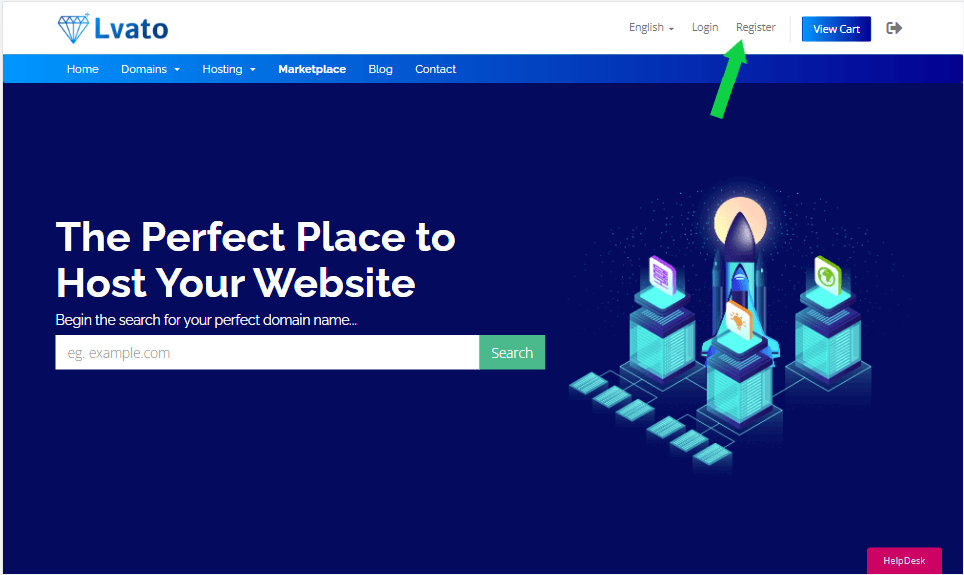
Step 1: Go To my.lvato.com And Click On Register
Lvato

Step 2: Fill out the Register Form given there

Step 3: Click On Register Button

After registration you will receive a verification mail, click on the verification link and verify your lvato hosting account, if you are still facing an issue you can contact with lvato hosting support team thank you!

Related Articles

How to Self-Host n8n on a VPS Guide

If you have been looking for a way to automate your workflows without paying high monthly fees, n8n is one of the best tools available right now. You can connect your apps, build automations, and run AI-powered workflows — all from a single dashboard. The cloud...

VPS vs Shared Hosting: What Is Best for You in 2026?

When you are running a website, you have a lot of different choices you need to make, and one of the most important ones is the hosting service you choose for your website. In this article, we are going to discuss the difference between VPS hosting and shared hosting...